
Firebase Studio
Google's Gemini-powered cloud IDE for building full-stack AI apps in the browser.
Data verified Sep 14, 2026
Score
- Try it free
- Free plan
- Best for
- Developers
About Firebase Studio
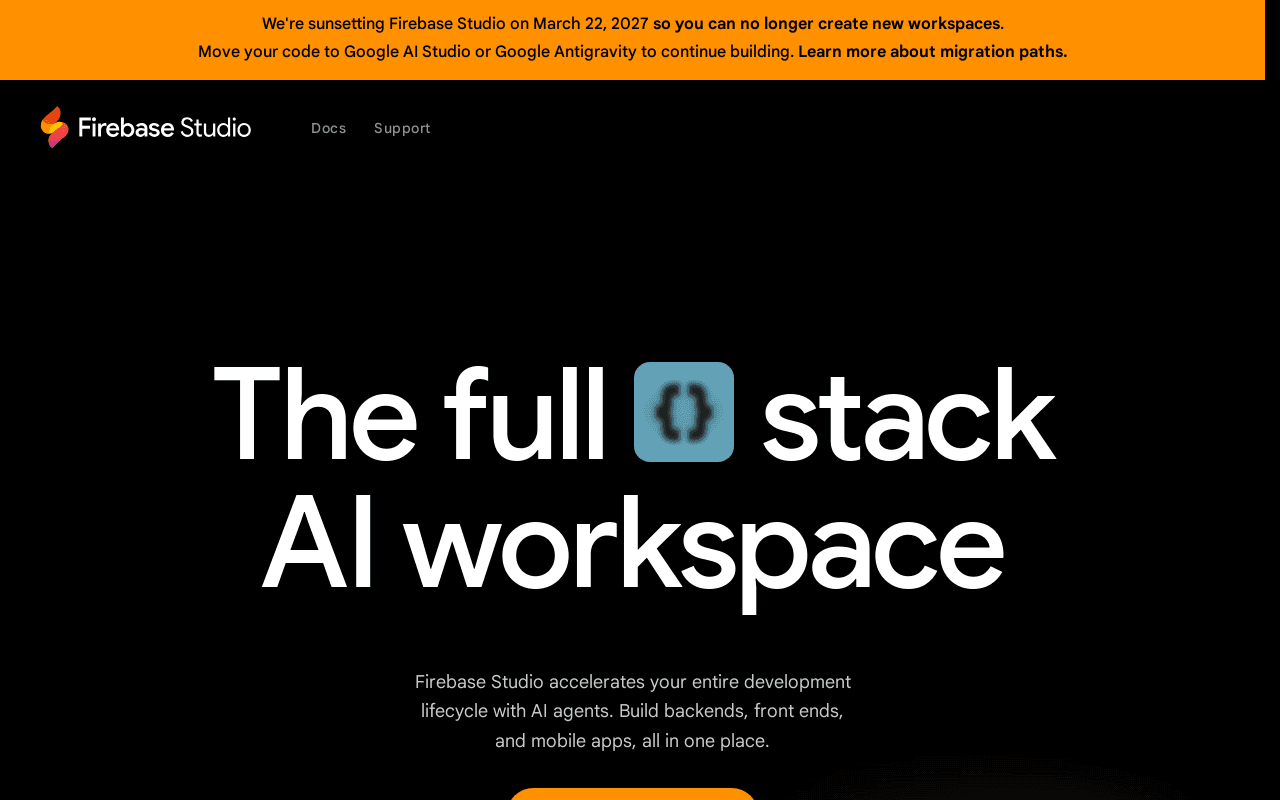
Firebase Studio is Google's browser-based, agentic development environment that uses Gemini AI to help prototype, build, test, and deploy full-stack AI applications — including frontends, backends, APIs, and mobile apps — without leaving the browser. It targets developers, startups, and small teams who want to go from a natural-language idea or prompt to a running app quickly, and its main differentiator is the App Prototyping agent combined with deep integration into Google's Firebase and Gemini ecosystem. Note: Google has announced Firebase Studio is being sunset (new signups disabled as of June 22, 2026), with users directed to migrate to Google AI Studio or Antigravity.
Screenshots

Commonly Cited Strengths & Limitations
Strengths
- Intuitive, clean interface with a low learning curve
- Fast to build full-stack apps and prototypes
- Real-time data view and instant data synchronization
- Smooth built-in code editor with seamless GitHub integration
- Deep Google ecosystem integration (auto-generates a Gemini API key)
- Free to use with no subscription or seat fee
- Large developer community and comprehensive documentation
Limitations
- Unreliable or inconsistent AI code generation
- Broken or incomplete Firebase integrations
- Poor handling of complex application logic
- Bugs in the development environment itself
- Disappointing visual design of generated interfaces
- Risk of Firebase vendor lock-in
- Querying capabilities weaker than traditional SQL databases
- Better suited to experimentation than production-grade apps
- Free tier workspace limits (e.g. ~3 projects) once scaling
- Being sunset by Google, with new signups already disabled
Common Use Cases
- Prototyping AI applications
- Building full-stack AI apps
- Deploying AI applications
- Building MVPs and SaaS dashboards
- Building internal tools
Details
- Pricing Model
- Freemium
- Founded
- 2025
- Team Size
- Freelancers, Small Business
- Headquarters
- Mountain View, California, United States
- Category
- Developer Tools
Who is Firebase Studio for?
Developers
Use the cloud IDE with Gemini code assistance and GitHub integration to build and ship full-stack apps directly in the browser.
Startup founders
Turn an app idea into a working prototype or MVP quickly using the natural-language App Prototyping agent.
No-code builders
Describe an app in plain language and let the AI agent generate the blueprint, code, and preview without hand-coding.
Frequently Asked Questions
Is Firebase Studio free?
Firebase Studio offers a free plan.
Does Firebase Studio have an API?
Yes, Firebase Studio provides an API for developers.
What does Firebase Studio integrate with?
Firebase Studio integrates with Google Maps API, Gemini, Gemini API, GitHub, Firebase App Hosting, Cloud Functions, Firestore.
Is Firebase Studio cloud-based or self-hosted?
Firebase Studio is offered as a cloud-based (SaaS) deployment.
What are the downsides of Firebase Studio?
Unreliable or inconsistent AI code generation Also, Broken or incomplete Firebase integrations
Who is Firebase Studio best for?
Firebase Studio is best suited for Developers, Startup founders, No-code builders.
What can I use Firebase Studio for?
Common uses for Firebase Studio include prototyping ai applications, building full-stack ai apps, deploying ai applications, building mvps and saas dashboards.
What is the best alternative to Firebase Studio?
Our reviewed alternatives to Firebase Studio are Google AI Studio.
How does Firebase Studio compare to Replit?
Firebase Studio and Replit are both used for developer tools -- specifically coding assistants. See the full side-by-side comparison for pricing and feature differences.
Key Features
- Cloud IDEA browser-based development environment for building full-stack applications, built on Code OSS.
- Gemini-powered AI agentsWorkspace-aware AI assistance for code completion, generation, testing, tool-running, and documentation.
- App Prototyping agentA no-code flow that turns a natural-language prompt (and optional image) into an app blueprint, code, and live web preview.
- Full-stack app deploymentSupports building and deploying full-stack AI apps including APIs, backends, frontends, and mobile.
- GitHub integrationBuilt-in code editor with seamless GitHub integration to streamline developer workflows.
- Real-time data viewLive data synchronization and quick in-place record editing across the app.
Integrations
Technical Details
- Deployment
- Cloud
- Target Market
- Both
- API
- Available
- Free Plan
- Available
Support
Official Pricing
Firebase Studio's published plans · verified Sep 14, 2026
Free
$0
- Firebase Studio access at no cost
- Workspace limits (up to ~3, more for Google Developer Program members)
- Backend services (App Hosting, Cloud Functions, Firestore, Gemini API) billed separately beyond free quotas
Pricing shown above is sourced from Firebase Studio's own published plans as of Sep 14, 2026 and can change at any time -- confirm current pricing on Firebase Studio's own site before purchasing.
Real Pricing from Verified Users
See what people actually pay for Firebase Studio
Reviews
0 reviews
No reviews yet. Be the first to share your experience!
Switching Stories
Real migration experiences with Firebase Studio
Discussion
Ask questions, share tips, or discuss this tool with other users.
No discussion yet. Start the conversation!
Firebase Studio alternatives we reviewed
Reviewed when this listing was published; open-source options are marked.
Google AI Studio
Google's recommended migration destination for building with Gemini.
Similar tools in Developer Tools
Other listed tools in Developer Tools, not reviewed as direct alternatives

- Replit chat
- Free mode
- Infinite Canvas

- Chat-based generation
- Multi-agent build
- Design-to-code
- Digital solutions
- Digital marketing
- Digital commerce

- AI-powered data extraction
- Website change monitoring
- Scheduled runs

Full lifecycle API management to create, secure, manage, and socialize APIs across clouds.
Also Dev Infrastructure Tools
- API Design
- API Lifecycle Management
- API Gateway

Turn website heatmaps into AI-generated UI redesigns and code in seconds.
Also No-Code Tools
- Generative UI from heatmaps
- Improvement goals
- Improvement report
Also used for
People Also Viewed



More in Developer Tools
The platform for smart business apps


The agentic IDE powered by Codeium AI

Prompt, run, edit & deploy full-stack apps in the browser