Haiku Deck
Build image-driven presentations on web, iPad, and iPhone with templates and AI assist
Data verified Nov 10, 2026
Score
- Price
- Free (Basic); Public from $7.99/month billed annually
- Try it free
- Free plan
- Best for
- Educators and trainers
- Platforms
- Web, iOS
Editorial Verdict
AI-researched, not hands-on testedHaiku Deck suits non-designers who want polished, image-led slide decks quickly, with built-in search across more than 40 million Creative Commons images and thousands of templates. The Zuru feature, listed on the Pro plan, can draft a starter deck from an outline, a Wikipedia topic, or a .pptx file. Things to weigh: the pages name only web, iPad, and iPhone, downloads need a paid plan and are excluded from the free trial, and the free Basic plan allows one public presentation.
Reviewed by AIToolPundit Editorial Team · last verified November 2026
About Haiku Deck
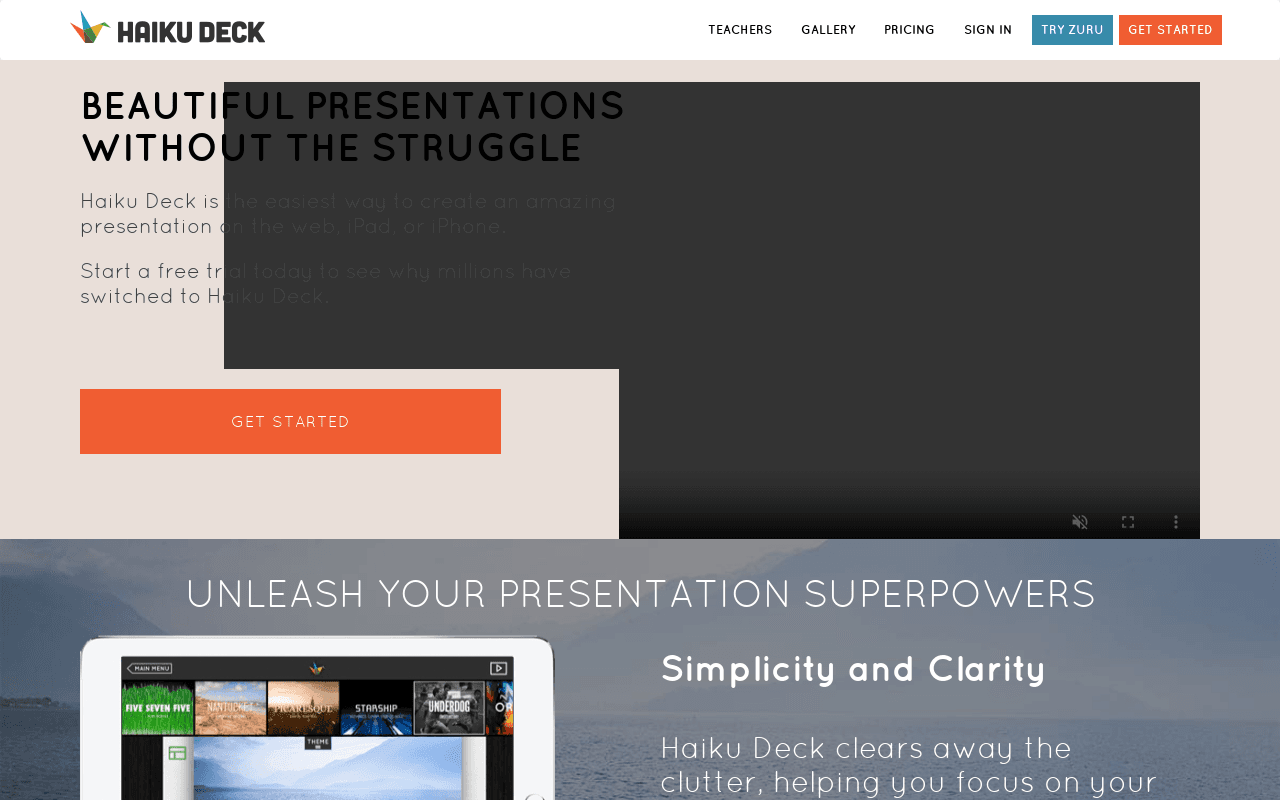
Haiku Deck is a presentation tool that runs on the web, iPad, and iPhone and focuses on clean, image-driven slides. Users pick from thousands of professionally designed templates, search over 40 million royalty-free Creative Commons images, and apply consistent fonts, themes, and layouts without hiring a designer. A built-in AI feature called Zuru can draft a deck from a text outline, a Wikipedia topic, or an existing .pptx file.
Paid plans add .pptx and .pdf downloads, privacy controls, audio narration, YouTube search and embed, custom branding, a PowerPoint image search add-in, in-depth analytics with view notifications, and live web playback for up to 100 remote viewers. Team pricing for five or more seats is available on request, and the service offers discounted pricing to qualifying nonprofits, students, and educators.
Screenshots
Commonly Cited Strengths & Limitations
Strengths
- Large royalty-free image library built into the editor
- Works across web, iPad, and iPhone with cloud sync
- AI-assisted deck creation from outlines, Wikipedia, or PowerPoint files
Limitations
- Mobile apps are named for iPad and iPhone only
- Deck download is not available during the free trial
- Free Basic plan is limited to one presentation that is public and web-searchable
Common Use Cases
- Create startup pitch, press release, and real estate decks from templates
- Produce teaching, training, and conference presentations with exports to .pptx or .pdf
- Run remote sales presentations and webinars with live playback and view analytics
Details
- Pricing Model
- Freemium
- Starting Price
- Free (Basic); Public from $7.99/month billed annually
- Platforms
- WebiOS
- Category
- Design & Creative
Who is Haiku Deck for?
Educators and trainers
The Pro plan is positioned for teaching, training, and conference presentations with exports, privacy controls, and audio narration.
Sales and webinar presenters
The Premium plan targets selling and webinars with lead tracking analytics, view notifications, and live web playback for up to 100 viewers.
Frequently Asked Questions
Is Haiku Deck free?
Haiku Deck offers a free plan, with paid plans starting at Free (Basic); Public from $7.99/month billed annually.
Does Haiku Deck offer a free trial?
Yes, Haiku Deck offers a free trial.
Does Haiku Deck have an API?
Haiku Deck does not currently offer a public API.
What platforms does Haiku Deck support?
Haiku Deck is available on Web, iOS.
What are the downsides of Haiku Deck?
Mobile apps are named for iPad and iPhone only Also, Deck download is not available during the free trial
Who is Haiku Deck best for?
Haiku Deck is best suited for Educators and trainers, Sales and webinar presenters.
What can I use Haiku Deck for?
Common uses for Haiku Deck include create startup pitch, press release, and real estate decks from templates, produce teaching, training, and conference presentations with exports to .pptx or .pdf, run remote sales presentations and webinars with live playback and view analytics.
What is the best alternative to Haiku Deck?
Our reviewed alternatives to Haiku Deck are Canva, Beautiful.ai, Gamma, Pitch, Prezi, Visme and Google Slides.
How does Haiku Deck compare to AlphaResearch?
Haiku Deck and AlphaResearch are both used for design & creative -- specifically document processing tools. See the full side-by-side comparison for pricing and feature differences.
Key Features
- Zuru AI deck builderGenerates presentations automatically from an outline, a Wikipedia topic, or an existing .pptx file.
- Royalty-free image libraryBuilt-in search across more than 40 million Creative Commons images with required license and attribution details.
- Templates, themes, and layoutsThousands of professionally designed templates with consistent fonts, themes, and layouts across the deck.
- ChartsDrag-and-drop pie, bar, and simple stat charts, plus import of chart images from tools like Excel.
- Export and sharingDownload decks as .pptx or .pdf, embed YouTube videos, and set public, restricted, or private privacy.
- Live remote playback and analyticsPresent to up to 100 simultaneous viewers with device sync, plus in-depth analytics and view notifications.
Technical Details
- Free Trial
- Yes
- Free Plan
- Available
Official Pricing
Haiku Deck's published plans · verified Nov 10, 2026
Basic
$0
- One presentation
- Public and web-searchable
- No download
Public
$7.99/month ($95.88 billed annually)/yr
- Unlimited public presentations
- 40M+ royalty-free image search
- Simple charts
- Professional themes and styles
- Free iPhone and iPad app
Pro
$9.99/month ($119.88 billed annually) or $19.99/month billed month-to-month
- Unlimited deck creation
- .pptx and .pdf download
- Privacy controls
- Audio narration and video export
- YouTube search and embed, custom branding, PowerPoint add-in, Zuru AI
Premium
$29.99/month ($359.88 billed annually)/yr
- In-depth analytics and lead tracking
- View notifications
- Live web playback up to 100 viewers
- Priority technical support
Pricing shown above is sourced from Haiku Deck's own published plans as of Nov 10, 2026 and can change at any time -- confirm current pricing on Haiku Deck's own site before purchasing.
Full Haiku Deck pricing breakdown, free plan and cheaper alternatives →
Real Pricing from Verified Users
See what people actually pay for Haiku Deck
Reviews
0 reviews
No reviews yet. Be the first to share your experience!
Switching Stories
Real migration experiences with Haiku Deck
Discussion
Ask questions, share tips, or discuss this tool with other users.
No discussion yet. Start the conversation!
Haiku Deck alternatives we reviewed
Reviewed when this listing was published; open-source options are marked.
Canva
Drag-and-drop design and presentation suite with large template and stock libraries.
Beautiful.ai
AI-assisted presentation builder with smart slide templates that auto-adjust layouts.
Gamma
AI tool that generates presentations, docs, and webpages from a prompt or outline.
Pitch
Collaborative presentation software aimed at teams, with templates and analytics.
Prezi
Presentation software built around a zooming, non-linear canvas.
Visme
Online design tool for presentations, infographics, and reports.
Google Slides
Browser-based slide editor with real-time collaboration.
Similar tools in Design & Creative
Other listed tools in Design & Creative, not reviewed as direct alternatives
AI-powered search engine that mines filings and earnings transcripts for investment insights.
Also Document Processing Tools
- Document Search
- Document Alerts & Filing Screener
- Trending Topics & Sentiment Analysis
All-in-one AI knowledge workspace for deeper thinking, not just faster answers
Also Document Processing Tools
- Ponder Agent
- Infinite canvas / knowledge mapping
- Multi-source import

Document understanding OCR that extracts text, images, tables, and equations
Also Document Processing Tools
- State of the art understanding of complex documents
- Natively multilingual and multimodal
- Top-tier benchmarks

AI document parser that turns PDFs, emails, and documents into structured, ready-to-use data.
Also Document Processing Tools
- Document capture
- AI data extraction
- Normalization and validation

Free browser-based AI that reads, summarizes, translates, and chats with your PDFs.
Also Document Processing Tools
- Chat with any PDF
- Summaries in seconds
- Translation (both ways)

Turn PDFs and any topic into structured visual mind maps with AI.
Also Document Processing Tools
- PDF to Mind Map
- Text to Mind Map
- AI Magic
People Also Viewed


More in Design & Creative

Collaborative interface design tool

The world's best image editing software