
ImgUpscaler
AI image upscaler that enlarges photos, anime, and product images by 2x or 4x online.
Data verified Nov 12, 2026
Score
- Try it free
- Free plan
- Best for
- E-commerce sellers
About ImgUpscaler
ImgUpscaler is an online AI super-resolution tool that enlarges and enhances images by 2x or 4x, sharpening edges, textures, and detail for photos, anime art, product listings, portraits, and old pictures. It's aimed at creators, marketers, editors, and ecommerce teams who need cleaner high-resolution visuals for web, print, and social without dedicated editing software. Its main differentiators are batch upscaling on paid plans and privacy-first processing that auto-deletes uploads and results within 24 hours.
Screenshots
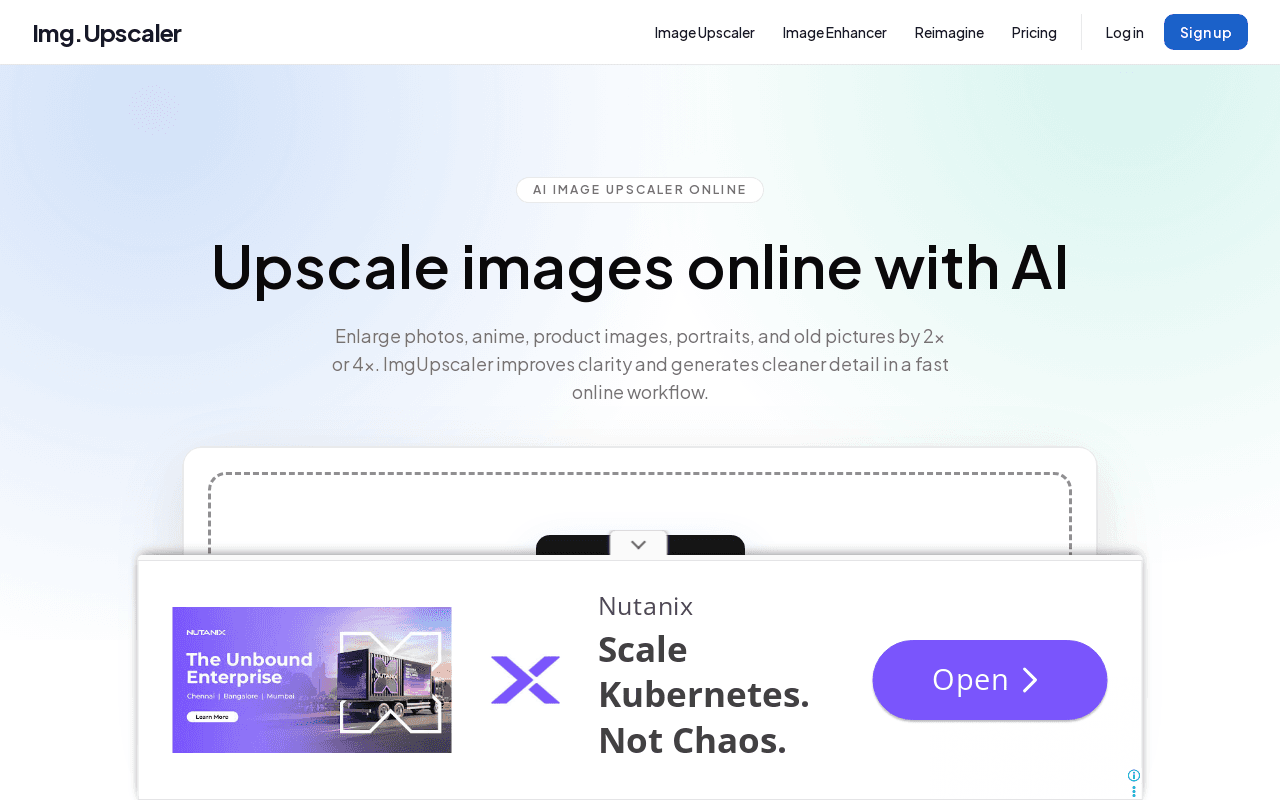
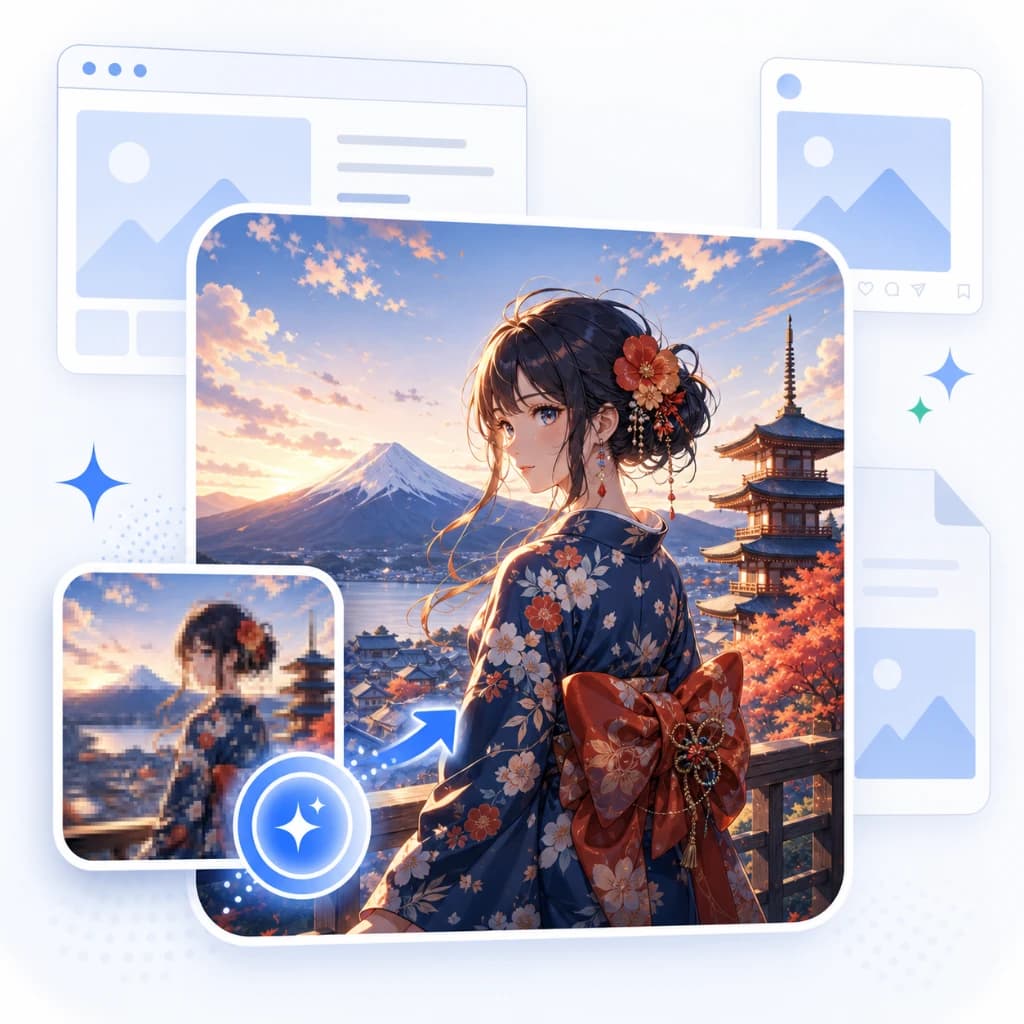
Commonly Cited Strengths & Limitations
Strengths
- Makes image enlargement simple, including batch upscaling
- Useful for upscaling multiple images without repeating manual steps
- Straightforward and not costly or complicated
- Works well across different image types
Limitations
- AI generates detail rather than recovering an exact original, so faces, text, and logos should be checked closely
- Large uploads may be resized before processing
Common Use Cases
- Enlarge small product photos for web and print
- Batch upscale a set of product or client images
- Improve detail in portraits and scanned photos
- Enlarge illustrations and anime with pixelated outlines
Details
- Pricing Model
- Freemium
- Team Size
- Freelancers, Small Business
- Category
- Design & Creative
Who is ImgUpscaler for?
E-commerce sellers
Enlarge and batch-process product photos to give small images more resolution for listings.
Photographers
Upscale portraits and scanned photos to bring out soft hair detail and small faces.
Illustrators and designers
Enlarge illustrations and artwork, including fixing pixelated outlines.
Frequently Asked Questions
Is ImgUpscaler free?
ImgUpscaler offers a free plan.
Does ImgUpscaler have an API?
ImgUpscaler does not currently offer a public API.
Is ImgUpscaler cloud-based or self-hosted?
ImgUpscaler is offered as a cloud-based (SaaS) deployment.
What are the downsides of ImgUpscaler?
AI generates detail rather than recovering an exact original, so faces, text, and logos should be checked closely Also, Large uploads may be resized before processing
Who is ImgUpscaler best for?
ImgUpscaler is best suited for E-commerce sellers, Photographers, Illustrators and designers.
What can I use ImgUpscaler for?
Common uses for ImgUpscaler include enlarge small product photos for web and print, batch upscale a set of product or client images, improve detail in portraits and scanned photos, enlarge illustrations and anime with pixelated outlines.
What is the best alternative to ImgUpscaler?
Our reviewed alternatives to ImgUpscaler are VanceAI.
How does ImgUpscaler compare to InfiniteArt.ai?
ImgUpscaler and InfiniteArt.ai are both used for design & creative -- specifically photo editing tools. See the full side-by-side comparison for pricing and feature differences.
Key Features
- AI super-resolutionAI adds detail as it enlarges an image, helping edges and textures look sharper.
- 2x and 4x upscalingDouble or quadruple the width and height of an image when enlarging.
- Batch processingAdd up to 8 images with a paid plan and download results individually or as a ZIP file.
- Photos and artworkUpscale portraits, product photos, anime, and scanned pictures.
- Automatic file deletionUploaded images and results are automatically deleted within 24 hours after processing.
- Personal and commercial useUse results in personal projects or client work, subject to your source image rights.
Technical Details
- Deployment
- Cloud
- Target Market
- Both
- Free Plan
- Available
Real Pricing from Verified Users
See what people actually pay for ImgUpscaler
Reviews
0 reviews
No reviews yet. Be the first to share your experience!
Switching Stories
Real migration experiences with ImgUpscaler
Discussion
Ask questions, share tips, or discuss this tool with other users.
No discussion yet. Start the conversation!
ImgUpscaler alternatives we reviewed
Reviewed when this listing was published; open-source options are marked.
VanceAI
AI image upscaler and enhancer offering similar super-resolution enlargement.
Similar tools in Design & Creative
Other listed tools in Design & Creative, not reviewed as direct alternatives

AI creative studio for iOS and Mac that turns text into images and animates them into video.
Also Photo Editing Tools
- Text-to-image generation
- Generate videos
- Multiple image models
AI headshot generator that turns your selfies into professional headshots in under 90 minutes.
Also Photo Editing Tools
- AI Headshot Generation
- AI Virtual Try-On
- Reprocessing
All-in-one browser AI platform for generating images, video, music, voice chat, and more.
Also Photo Editing Tools
- AI Image Generator
- AI Video Generator
- AI Music Generator

Turn your photos into anime-style portraits, or generate original anime art from text.
Also Photo Editing Tools
- Photo to Anime
- Text to Anime Generator
- Gender Selection
AI-generated diverse faces and full-body humans for ads, design, ML, and research.
Also Photo Editing Tools
- Faces
- Face Generator
- Humans

Free browser-based AI photo editor, image generator, and video maker powered by top AI models
Also Photo Editing Tools
- AI Image Generator
- AI Video Generator
- AI Face Swap
Also used for
People Also Viewed


More in Design & Creative

Collaborative interface design tool

The world's best image editing software