
MagicSlides
Turn any prompt, document, or YouTube video into a ready-to-use presentation in seconds.
Data verified Sep 18, 2026
Score
- Try it free
- Free plan
- Best for
- Educators & Students
About MagicSlides
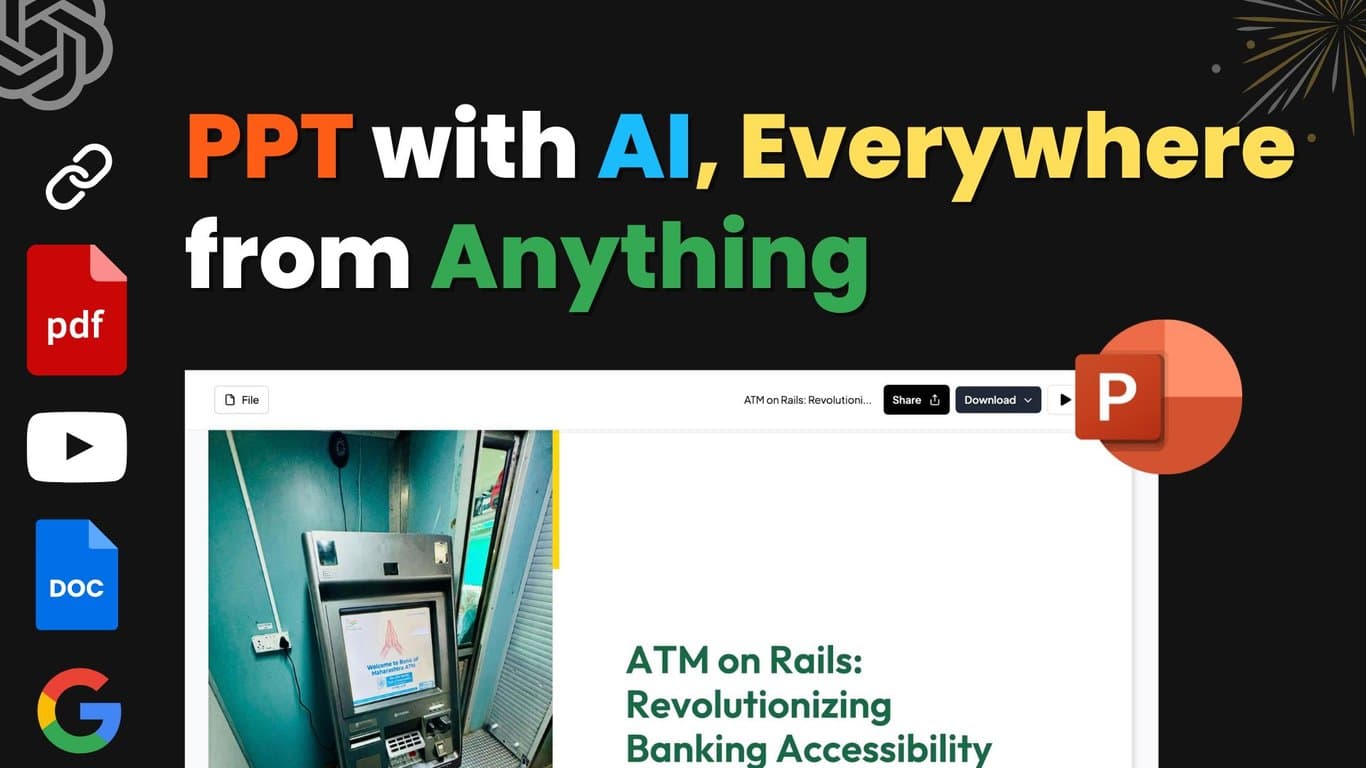
MagicSlides is an AI presentation maker that converts prompts, topics, pasted text, uploaded files (PDF, DOC, PPTX, images), audio/video, or YouTube and web links into professional PowerPoint and Google Slides decks in 136+ languages. It's built for business professionals, teams, startup founders pitching investors, and educators or students who need polished slides fast, and it works both as a standalone AI PPT maker and as a Google Slides add-on. Its main differentiator is one-click, multi-source generation powered by Gemini AI, plus an AI chat assistant that can build, clone, add to, and edit slides conversationally.
Screenshots
Commonly Cited Strengths & Limitations
Strengths
- User-friendly interface
- Time-saving
- Customization options
Limitations
- Limited customization compared to some other tools
- Restrictive free tier (only 3 presentations per month)
- Occasional glitches or errors during slide generation
- Slides can look plain or homogeneous without further editing
Common Use Cases
- Converting text or a topic into presentation slides
- Creating presentations from YouTube videos
- Generating presentations from PDF or DOCX files
- Building investor-ready pitch decks
- Creating structured slides like SWOT, timeline, and pros/cons
Details
- Pricing Model
- Freemium
- Category
- Design & Creative
Who is MagicSlides for?
Educators & Students
Use MagicSlides to quickly turn topics, documents, or videos into classroom and study presentations.
Startup Founders
Generate investor-ready pitch decks from their pitch content in seconds.
Business Professionals & Teams
Create marketing strategy, business review, and project proposal decks fast, individually or collaboratively.
Frequently Asked Questions
Is MagicSlides free?
MagicSlides offers a free plan.
Does MagicSlides offer a free trial?
Yes, MagicSlides offers a free trial.
Does MagicSlides have an API?
MagicSlides does not currently offer a public API.
What does MagicSlides integrate with?
MagicSlides integrates with Google Slides, Google Workspace Marketplace, PowerPoint, Gemini AI.
Is MagicSlides cloud-based or self-hosted?
MagicSlides is offered as a cloud-based (SaaS) deployment.
What are the downsides of MagicSlides?
Limited customization compared to some other tools Also, Restrictive free tier (only 3 presentations per month)
Who is MagicSlides best for?
MagicSlides is best suited for Educators & Students, Startup Founders, Business Professionals & Teams.
What can I use MagicSlides for?
Common uses for MagicSlides include converting text or a topic into presentation slides, creating presentations from youtube videos, generating presentations from pdf or docx files, building investor-ready pitch decks.
How does MagicSlides compare to Beautiful AI?
MagicSlides and Beautiful AI are both used for design & creative -- specifically presentation-tools. See the full side-by-side comparison for pricing and feature differences.
Key Features
- AI Chat AssistantCreate full presentations from scratch, add, clone, and edit slides by chatting with the AI.
- Text to PPT ConverterPaste a prompt or text and instantly generate a ready-to-use deck.
- Topic to PPT ConverterEnter a topic and the AI generates matching professional slides.
- AI Pitch Deck GeneratorTurns pitch content into investor-ready pitch decks automatically.
- YouTube to PPT ConverterPaste a YouTube video link to convert it into a presentation.
- PDF to PPT ConverterUpload a PDF and convert it into slides.
- DOC to PPT ConverterConvert DOC/DOCX documents into presentations.
- Pros/Cons SlideAutomatically structures arguments into a balanced pros and cons slide.
- Bullet Point + Image SlideCombines key points with images for informative, visual slides.
- Timeline SlideOrganizes events into a polished timeline slide.
- SWOT Analysis SlideStructures strengths, weaknesses, opportunities, and threats into a professional slide.
- Design AssistanceProvides AI recommendations for colors, layouts, and image elements.
- Multilingual GenerationCreates presentations in 136+ languages.
- Extensive Template LibraryOffers a variety of templates to select or customize.
- Real-Time CollaborationEnables teamwork through interactive collaboration features.
- Zero Learning CurveWorks within familiar tools like Google Slides so no new software is needed.
Integrations
Technical Details
- Deployment
- Cloud
- Target Market
- B2B
- Free Trial
- Yes
- Free Plan
- Available
Support
Official Pricing
MagicSlides's published plans · verified Sep 18, 2026
Free
Contact Sales
- Limited to 3 presentations per month
Premium
Contact Sales
- Generate up to 50 slides with 50,000 characters in one go
Pricing shown above is sourced from MagicSlides's own published plans as of Sep 18, 2026 and can change at any time -- confirm current pricing on MagicSlides's own site before purchasing.
Full MagicSlides pricing breakdown, free plan and cheaper alternatives →
Real Pricing from Verified Users
See what people actually pay for MagicSlides
Reviews
0 reviews
No reviews yet. Be the first to share your experience!
Switching Stories
Real migration experiences with MagicSlides
Discussion
Ask questions, share tips, or discuss this tool with other users.
No discussion yet. Start the conversation!
Similar tools in Design & Creative
Other listed tools in Design & Creative, not reviewed as direct alternatives

- Create with AI
- Smart Slides
- Auto-aligning slide layouts
AI presentation maker that turns raw ideas into animated, on-brand slides in minutes.
Also presentation-tools
- Animated slides
- Diverse themes
- Brand consistency

AI agents turn prompts, docs, or links into interactive presentations and infographics.
Also presentation-tools
- AI Agents
- Modular blocks
- AI blocks

AI that turns a prompt or file into polished decks, docs, and sites in minutes.
Also presentation-tools
- AI presentation generation
- AI documents and webpages
- AI image generation

Turn your text into presentation-ready visuals, diagrams, and decks -- no prompting needed.
Also presentation-tools
- Visuals
- Slides (Beta)
- Mind Maps

The #1 AI platform for schools, with 80+ tools that save teachers time and support every student.
Also presentation-tools
- 80+ Teacher Tools
- 50+ Student Tools
- Lesson Plan Generator
People Also Viewed



More in Design & Creative

Collaborative interface design tool

The world's best image editing software