
Submagic
Edit raw footage into viral short-form videos in one click with AI.
Data verified Sep 11, 2026
Score
- Price
- $19/mo
- Try it free
- Free plan
- Best for
- Content Creators
About Submagic
Submagic is an AI video editor that turns raw footage, podcasts, or YouTube links into polished short-form videos, automatically adding captions, removing silences, inserting B-roll, and finding key moments. It's aimed at content creators, marketing teams, agencies, and media companies who want to repurpose long videos into TikToks, Reels, and Shorts at scale without spending hours editing. Its main differentiator is an end-to-end pipeline that takes you from upload through AI editing to scheduled multi-platform publishing in a single workspace.
Screenshots
Commonly Cited Strengths & Limitations
Strengths
- Accurate, easy-to-use captions across many languages
- Saves significant editing time
- Beginner-friendly and simple to use
- Consistently good video output quality
Limitations
- Considered expensive, with a subscription-heavy model
- Strict no-refund policy and reports of surprise renewals
- Unhelpful customer support experiences
- Slow rendering/export speeds during peak times
- Free/trial plan is restrictive and adds a Submagic watermark
- Occasional glitchy exports, disappearing words, or misaligned edits
Common Use Cases
- Repurposing long-form video into short-form clips
- Adding AI captions to videos
- Creating TikTok, Reels, and Shorts
- Scheduling and publishing video across social channels
- Producing on-brand client content for agencies
- Creating videos with AI avatars without filming
- Translating videos into other languages
Details
- Pricing Model
- Freemium
- Starting Price
- $19/mo
- Team Size
- Small Business, Enterprise
- Category
- AI Image & Video Generation
Who is Submagic for?
Content Creators
Repurpose podcasts, interviews, and long videos into viral shorts for TikTok, Instagram, and YouTube.
Media Companies
Convert long-form content into high-performing shorts at scale, as Sportskeeda did to reach 2,500+ monthly videos.
Marketing Teams
Produce high-performing short-form videos to drive business growth.
Agencies
Deliver on-brand client content quickly with consistent quality.
Frequently Asked Questions
Is Submagic free?
Submagic offers a free plan, with paid plans starting at $19/mo.
Does Submagic offer a free trial?
Yes, Submagic offers a free trial.
Does Submagic have an API?
Yes, Submagic provides an API for developers.
Is Submagic cloud-based or self-hosted?
Submagic is offered as a cloud-based (SaaS) deployment.
What are the downsides of Submagic?
Considered expensive, with a subscription-heavy model Also, Strict no-refund policy and reports of surprise renewals
Who is Submagic best for?
Submagic is best suited for Content Creators, Media Companies, Marketing Teams.
What can I use Submagic for?
Common uses for Submagic include repurposing long-form video into short-form clips, adding ai captions to videos, creating tiktok, reels, and shorts, scheduling and publishing video across social channels.
How does Submagic compare to InfiniteArt.ai?
Submagic and InfiniteArt.ai are both used for ai image & video generation -- specifically video editing tools. See the full side-by-side comparison for pricing and feature differences.
Key Features
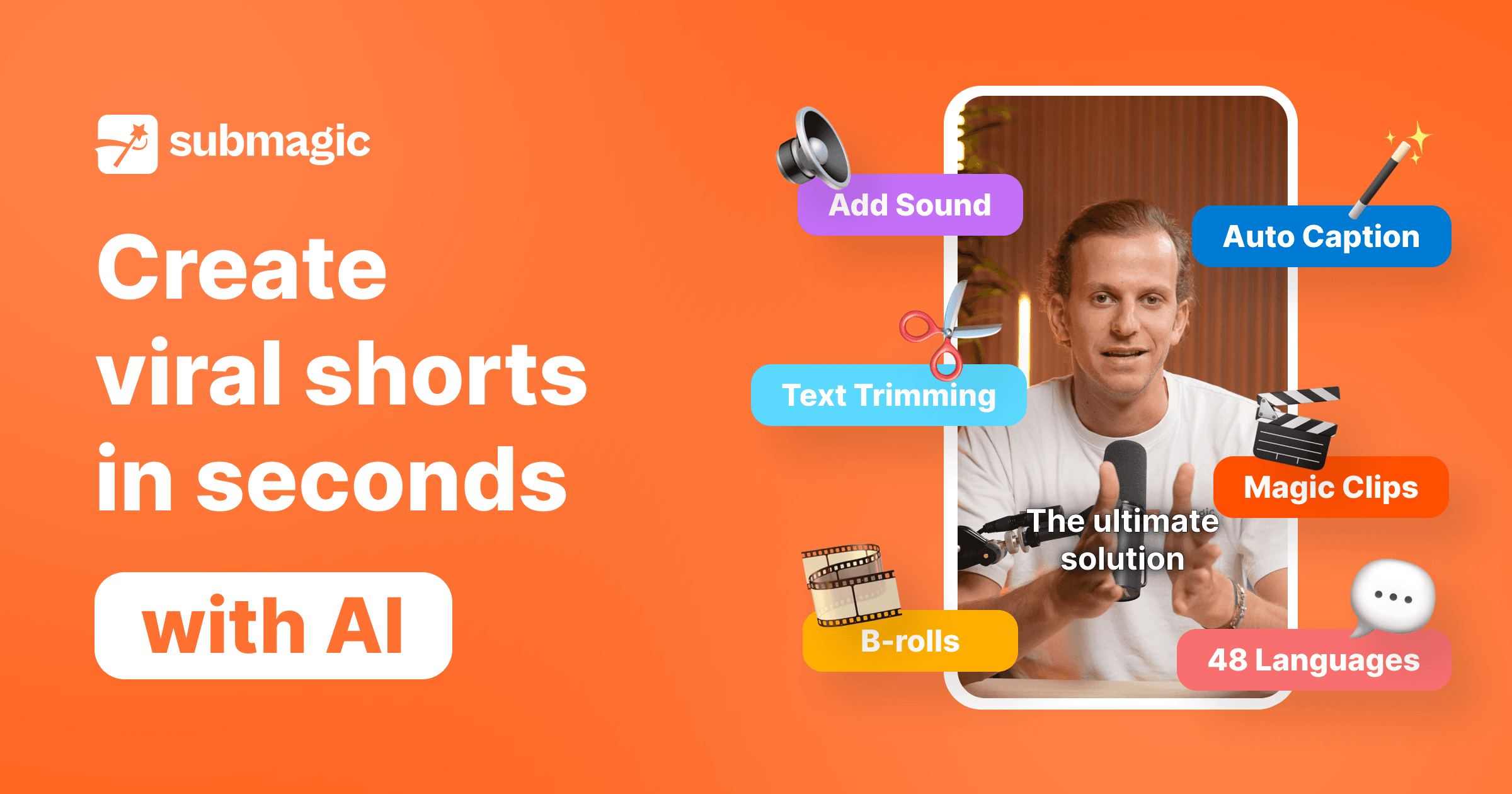
- AI CaptionsGenerates viral-style captions in 123 languages with claimed 99% accuracy to boost views and retention.
- Magic ClipsAutomatically repurposes one long video into multiple shorts by extracting key moments and cutting clips.
- AI Auto EditEdits any video in one click by cutting, trimming, and removing silences automatically.
- Publishing & SchedulingSchedules and publishes videos directly to multiple platforms on a chosen date.
- AI Actors / AI AvatarsCreates videos using AI avatars without filming or hiring actors.
- B-RollAutomatically inserts relevant B-roll footage into edits.
- Subtitle GeneratorGenerates subtitles for videos.
- Auto-ZoomAutomatically applies zoom effects to footage.
- AI Eye ContactCorrects on-camera eye contact using AI.
- AI Video TranslatorTranslates videos into other languages.
- Images & GIFsAdds images and GIFs to videos.
- TransitionsApplies transitions between clips.
- Sound EffectsAdds sound effects to videos.
- Background MusicAdds background music to videos.
- Auto DescriptionAutomatically generates video descriptions.
- Clip MakerCreates clips from longer content.
- Video Editing APIAutomates video editing workflows programmatically via an API.
- Team Collaboration & Brand WorkspaceLets teams review, edit, and publish videos together while staying on brand in one workspace.
- TrimmingTrims video footage.
Technical Details
- Deployment
- Cloud
- Target Market
- B2B
- API
- Available
- Free Trial
- Yes
- Free Plan
- Available
Support
Official Pricing
Submagic's published plans · verified Sep 11, 2026
Free / Trial
Contact Sales
- Limited access
- Exports include Submagic watermark
Starter
$19/mo
- ~15 videos per month
- No watermark
- 1080p export
Pro / Growth
$39/mo
- ~40 videos per month
- Custom templates
- Advanced features
- Stock media access
Business
$69/mo
- ~100 videos per month
- API access
- 4K resolution
- Collaboration tools
Pricing shown above is sourced from Submagic's own published plans as of Sep 11, 2026 and can change at any time -- confirm current pricing on Submagic's own site before purchasing.
Full Submagic pricing breakdown, free plan and cheaper alternatives →
Real Pricing from Verified Users
See what people actually pay for Submagic
Reviews
0 reviews
No reviews yet. Be the first to share your experience!
Switching Stories
Real migration experiences with Submagic
Discussion
Ask questions, share tips, or discuss this tool with other users.
No discussion yet. Start the conversation!
Similar tools in AI Image & Video Generation
Other listed tools in AI Image & Video Generation, not reviewed as direct alternatives

AI creative studio for iOS and Mac that turns text into images and animates them into video.
Also Video Editing Tools
- Text-to-image generation
- Generate videos
- Multiple image models
AI dubbing and localization with a full editor to transcribe, translate, caption, and dub in 50+ languages.
Also Video Editing Tools
- Automated dubbing
- Transcription
- Translation

- Seedance 2.5
- Nano Banana Pro
- Higgsfield Genjutsu
- Raya AI agent
- Competitor strategy extraction
- Customer review mining

AI creative agents that turn one brief into on-brand images, video, copy, slides, and audio
Also Video Editing Tools
- AI Agent
- Brand consistency
- Smart Model Routing

- Video translation and dubbing
- Voice cloning
- Lip-sync
Also used for
People Also Viewed


More in AI Image & Video Generation

All-in-one audio & video editing


Open-source image generation AI