MongoDB Lens
Local MCP server for querying MongoDB in natural language via LLMs.
Data verified Sep 18, 2026
- Try it free
- Free plan
- Best for
- Backend Developers
About MongoDB Lens
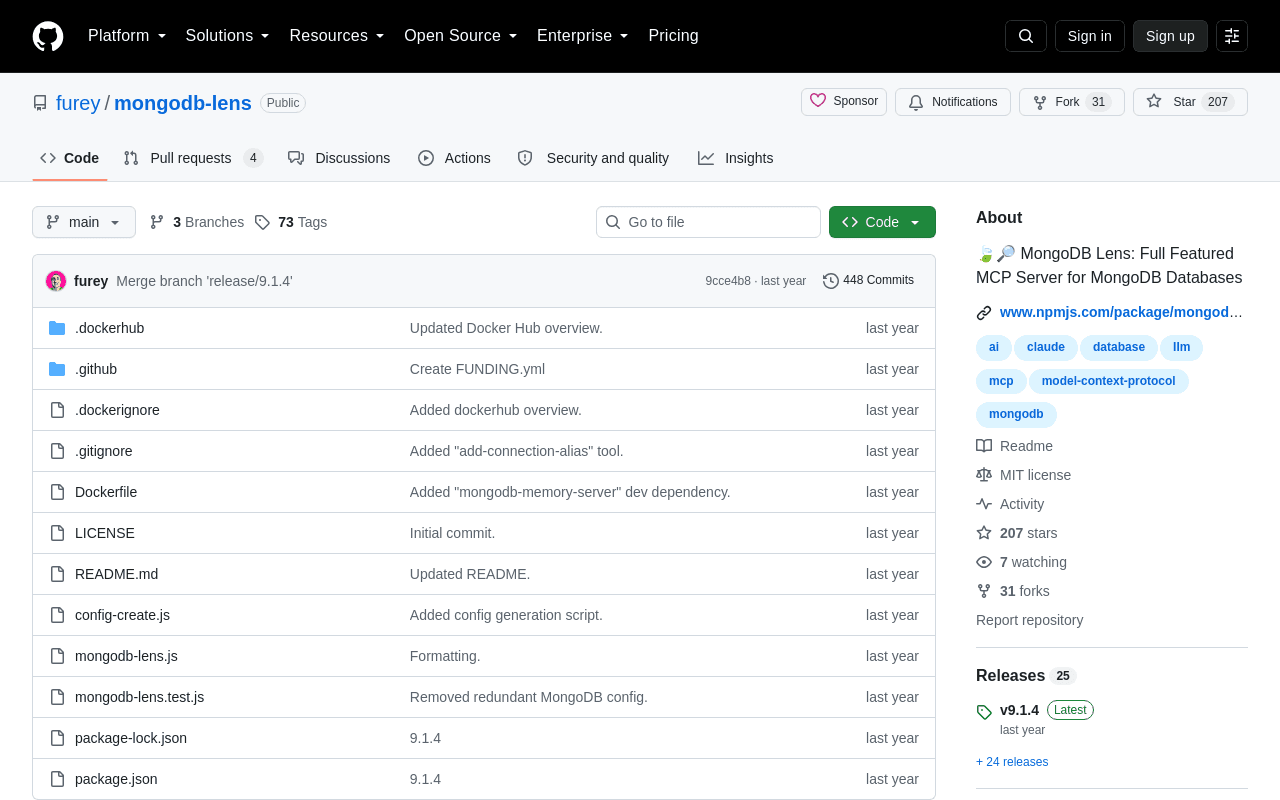
MongoDB Lens is an open-source, locally-run Model Context Protocol (MCP) server that lets developers work with MongoDB databases through natural language in LLM clients like Claude Desktop and Cursor. It covers queries, aggregation pipelines, schema inference, index and performance optimization, and administrative operations, with a built-in confirmation step that guards destructive actions like drops and deletes. It's aimed at developers and database engineers who want conversational access to full-featured MongoDB management rather than a limited read-only query bridge.
Screenshots
Commonly Cited Strengths & Limitations
Strengths
- Full-featured coverage of MongoDB operations, from queries to administration
- Open-source and free to self-host
- Confirmation system protects against accidental destructive operations
- Works with popular MCP clients like Claude Desktop and Cursor
Common Use Cases
- Querying MongoDB databases with natural language
- Building and optimizing aggregation pipelines
- Analyzing and designing database schemas
- Database health checks and security audits
- Managing indexes and database performance
Details
- Pricing Model
- Free
- Category
- Data Management
Who is MongoDB Lens for?
Backend Developers
Query and manage MongoDB databases conversationally from LLM clients without writing raw shell commands.
Database Administrators
Run health checks, security audits, index recommendations, and user management through natural-language prompts.
Data Engineers
Build aggregation pipelines, infer schemas, and export query results in JSON or CSV.
Frequently Asked Questions
Is MongoDB Lens free?
Yes, MongoDB Lens is free to use.
Does MongoDB Lens have an API?
Yes, MongoDB Lens provides an API for developers.
Is MongoDB Lens open source?
Yes, MongoDB Lens is open source.
What does MongoDB Lens integrate with?
MongoDB Lens integrates with MongoDB, Claude Desktop, Cursor, Docker, npm, GridFS.
Is MongoDB Lens cloud-based or self-hosted?
MongoDB Lens is offered as an on-premise (self-hosted) deployment.
Who is MongoDB Lens best for?
MongoDB Lens is best suited for Backend Developers, Database Administrators, Data Engineers.
What can I use MongoDB Lens for?
Common uses for MongoDB Lens include querying mongodb databases with natural language, building and optimizing aggregation pipelines, analyzing and designing database schemas, database health checks and security audits.
How does MongoDB Lens compare to Browse AI?
MongoDB Lens and Browse AI are both used for data management -- specifically data management tools. See the full side-by-side comparison for pricing and feature differences.
Key Features
- Aggregation pipelinesExecute and interactively build MongoDB aggregation pipelines.
- Schema inferenceAutomatically infer collection schemas through intelligent sampling.
- Query optimizationAnalyze query execution plans and query patterns to suggest performance improvements.
- Index managementCreate and drop indexes and get personalized index recommendations.
- Data exportExport query results in JSON or CSV format.
- Geospatial queriesRun geospatial queries with various operators.
- Full-text searchSearch across text-indexed fields in collections.
- ACID transactionsExecute multiple operations in a single ACID transaction.
- Change monitoringWatch real-time changes to collections via change streams.
- GridFS operationsManage large files using GridFS buckets.
- Time series collectionsCreate time series collections for temporal data.
- Confirmation systemRequires two-step verification for destructive operations.
- Multiple connectionsDefine and switch between named MongoDB URI aliases.
- Connection resilienceAuto-reconnects with exponential backoff.
- Credential protectionProtects passwords in connection strings.
- Schema validatorsGenerate JSON Schema validators for collections.
- SQL to MongoDB conversionConvert SQL queries to MongoDB aggregation pipelines.
- Sharding and replica statusView sharding configuration and replica set status.
- User managementCreate and drop database users with specific roles.
- Bulk operationsPerform multiple operations efficiently with confirmation for destructive ones.
- Schema comparisonCompare schemas between two collections.
- Collection validationCheck collections for data inconsistencies.
- Database health checkRun comprehensive database health assessments and get recommendations.
- Security auditAnalyze database security and suggest improvements.
Integrations
Technical Details
- Deployment
- On-Premise
- Target Market
- B2B
- API
- Available
- Free Plan
- Available
Real Pricing from Verified Users
See what people actually pay for MongoDB Lens
Reviews
0 reviews
No reviews yet. Be the first to share your experience!
Switching Stories
Real migration experiences with MongoDB Lens
Discussion
Ask questions, share tips, or discuss this tool with other users.
No discussion yet. Start the conversation!
Similar tools in Data Management
Other listed tools in Data Management, not reviewed as direct alternatives

- AI-powered data extraction
- Website change monitoring
- Scheduled runs

Full lifecycle API management to create, secure, manage, and socialize APIs across clouds.
Also Dev Infrastructure Tools
- API Design
- API Lifecycle Management
- API Gateway

- Payment Gateway
- Payment Button
- Payment Links

- GitHub Copilot
- GitHub Actions
- GitHub Codespaces

- Durable Orchestration
- Sandboxed Environments
- AI Model Gateway
- AI agents
- AI summaries
- Structured workflows
Also used for
More from github.com





More in Data Management


Customer data platform