MultiSync Made Easy
Salesforce-based data migration and integration across 100+ platforms
Data verified Nov 13, 2026
Score
- Price
- Free Basic plan; Pro price not published
- Try it free
- Free plan
- Best for
- Salesforce-centric operations teams
- Platforms
- Web
Editorial Verdict
AI-researched, not hands-on testedMultiSync Made Easy is a Salesforce-based integration and migration platform covering 100+ platforms, with HIPAA, SOC 2 (Type II) and GDPR compliance listed. It suits teams that want bi-directional sync, mapping and a dedicated Teams or Google Chat to Slack migration path, and it has a Free Basic plan to start. The main limitation is that Pro pricing is not published, so cost comparison requires contacting the vendor.
Reviewed by AIToolPundit Editorial Team · last verified November 2026
About MultiSync Made Easy
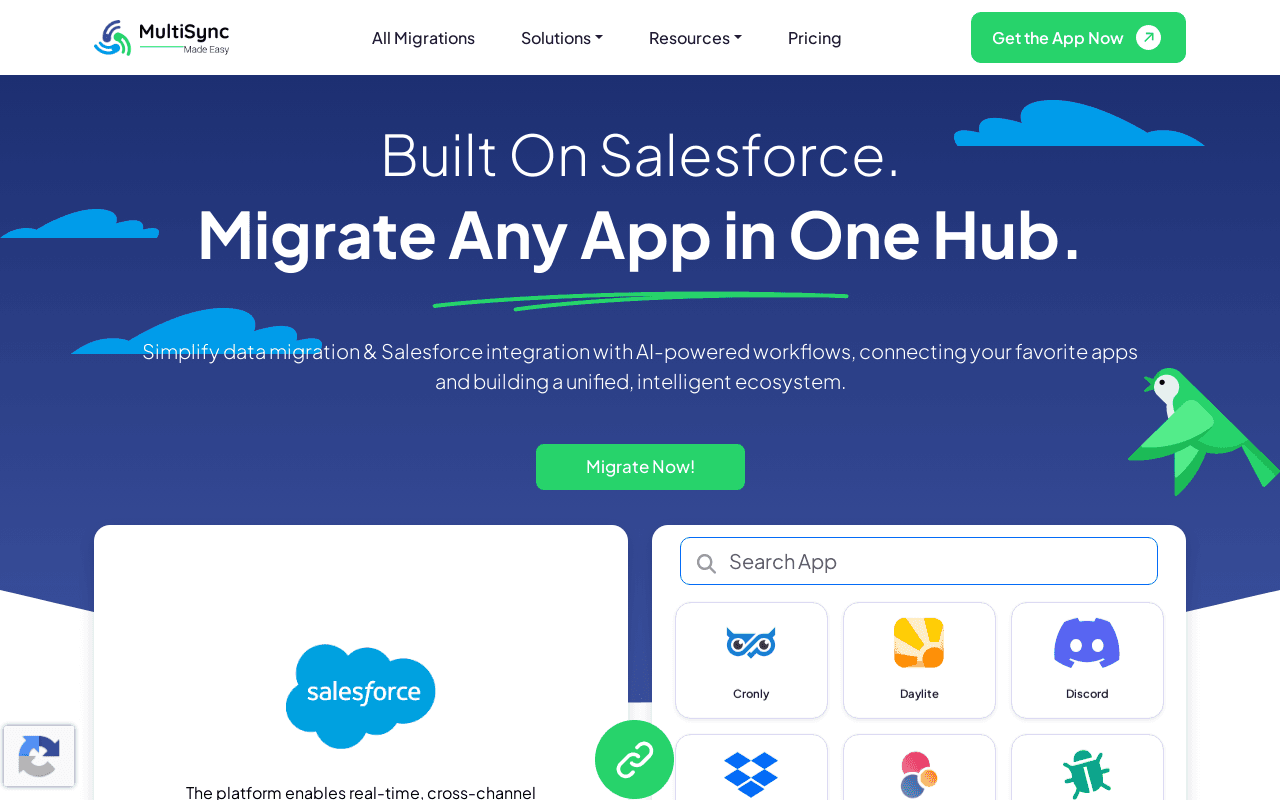
MultiSync Made Easy is a Salesforce-based platform for data migration, integration and synchronization across more than 100 platforms, including HubSpot, Slack, Shopify, Zendesk, QuickBooks, Workday, Pipedrive, Mailchimp, Stripe, Jira, Notion and Zoom. It offers bi-directional sync, manual and basic scheduled syncs on the Free Basic plan, real-time or near real-time scheduled syncs on Pro, data mapping for standard objects and key fields (advanced mapping for custom objects and conditional logic on Pro), filters and transformations, legacy data imports for historical or one-time migrations, and a multi-app dashboard with usage and trends.
The vendor lists HIPAA, SOC 2 (Type II) and GDPR compliance and reports 10 million triggers delivered. A dedicated Slack migration tool moves messages and threads, files and attachments, public and private channels and DMs, and users from Microsoft Teams or Google Chat into Slack, and the site reports 2,800+ workspaces migrated. A Free Basic plan is available with email support (72 hours, no chat); Pro is quoted through the vendor's sales contact form.
Screenshots
Commonly Cited Strengths & Limitations
Strengths
- Connects 100+ platforms, from CRM and VoIP to analytics
- Built on Salesforce, with HIPAA, SOC 2 (Type II) and GDPR compliance listed
- Pro adds advanced mapping, advanced filters and transformations, and real-time or near real-time scheduled syncs
Limitations
- Pro pricing is not published; the pricing page asks visitors to contact the vendor
- Free Basic is described as optimized for low to medium volume syncs, with basic mapping and basic error notifications
- Support on Free Basic is email only with a 72-hour response and no chat
Common Use Cases
- Running one-time or historical data migrations as part of a legacy data import
- Keeping connected apps such as CRM, support and billing tools in bi-directional sync
- Migrating chats, channels, files and users from Microsoft Teams or Google Chat into Slack
Details
- Pricing Model
- Freemium
- Starting Price
- Free Basic plan; Pro price not published
- Platforms
- Web
- Category
- Data Management
Who is MultiSync Made Easy for?
Salesforce-centric operations teams
Teams standardized on Salesforce that need to connect CRM, VoIP, analytics, and other apps.
Regulated-industry IT teams
Healthcare, financial services, and other organizations needing HIPAA, SOC 2, and GDPR-aligned data sync and migration.
Frequently Asked Questions
Is MultiSync Made Easy free?
MultiSync Made Easy offers a free plan, with paid plans starting at Free Basic plan; Pro price not published.
Does MultiSync Made Easy have an API?
MultiSync Made Easy does not currently offer a public API.
What platforms does MultiSync Made Easy support?
MultiSync Made Easy is available on Web.
What are the downsides of MultiSync Made Easy?
Pro pricing is not published; the pricing page asks visitors to contact the vendor Also, Free Basic is described as optimized for low to medium volume syncs, with basic mapping and basic error notifications
Who is MultiSync Made Easy best for?
MultiSync Made Easy is best suited for Salesforce-centric operations teams, Regulated-industry IT teams.
What can I use MultiSync Made Easy for?
Common uses for MultiSync Made Easy include running one-time or historical data migrations as part of a legacy data import, keeping connected apps such as crm, support and billing tools in bi-directional sync, migrating chats, channels, files and users from microsoft teams or google chat into slack.
What is the best alternative to MultiSync Made Easy?
Our reviewed alternatives to MultiSync Made Easy are Activepieces, Zapier, Make, Workato, Tray.io, MuleSoft Anypoint Platform, Hevo Data and Celigo. Open-source options: Activepieces.
How does MultiSync Made Easy compare to Browse AI?
MultiSync Made Easy and Browse AI are both used for data management -- specifically data management tools. See the full side-by-side comparison for pricing and feature differences.
Key Features
- Bi-directional syncTwo-way data synchronization between connected apps.
- Scheduled and real-time syncsManual and basic scheduled syncs on Free Basic; real-time or near real-time scheduled syncs on Pro.
- Data mappingBasic mapping for standard objects and key fields on Free Basic; advanced mapping for custom objects and conditional logic on Pro.
- Filters and transformationsSimple filters and basic formatting on Free Basic; advanced filters, transformations and data rules on Pro.
- Multi-app dashboardDashboard with usage and trends across connected apps.
- Slack migration toolMoves messages and threads, files and attachments, public and private channels and DMs, and users from Microsoft Teams or Google Chat into Slack.
Technical Details
- Free Plan
- Available
Official Pricing
MultiSync Made Easy's published plans · verified Nov 13, 2026
Free Basic
Free
- Bi-directional sync
- Basic mapping for standard objects and key fields
- Manual and basic scheduled syncs
- Simple filters and basic formatting
- Optimized for low to medium volume syncs
- Email support (72 hours), no chat
Pro
Contact sales
- Real-time or near real-time scheduled syncs
- Advanced mapping for custom objects and conditional logic
- Advanced filters, transformations and data rules
- High-volume sync
- Error alerts with advanced filters and log exports
- Priority email and chat support with onboarding and voice sessions
Pricing shown above is sourced from MultiSync Made Easy's own published plans as of Nov 13, 2026 and can change at any time -- confirm current pricing on MultiSync Made Easy's own site before purchasing.
Full MultiSync Made Easy pricing breakdown, free plan and cheaper alternatives →
Real Pricing from Verified Users
See what people actually pay for MultiSync Made Easy
Reviews
0 reviews
No reviews yet. Be the first to share your experience!
Switching Stories
Real migration experiences with MultiSync Made Easy
Discussion
Ask questions, share tips, or discuss this tool with other users.
No discussion yet. Start the conversation!
MultiSync Made Easy alternatives we reviewed
Reviewed when this listing was published; open-source options are marked.
Activepieces
Open sourcePartial match: open-source no-code workflow automation across SaaS apps.
- Cost:
- Free self-hosted; Cloud paid
- Licence:
- Open source
Zapier
Hosted no-code automation across thousands of SaaS apps.
Make
Visual workflow automation for connecting apps and APIs.
Workato
Enterprise iPaaS for integration and workflow automation.
Tray.io
Low-code integration platform for connecting SaaS apps and data.
MuleSoft Anypoint Platform
Salesforce-owned enterprise iPaaS and API management platform.
Hevo Data
No-code data pipeline platform with 150+ pre-built connectors for real-time sync and migration between SaaS apps, databases, and warehouses.
Celigo
Integration platform with prebuilt integration apps for SaaS and ERP systems.
Similar tools in Data Management
Other listed tools in Data Management, not reviewed as direct alternatives

- AI-powered data extraction
- Website change monitoring
- Scheduled runs

Full lifecycle API management to create, secure, manage, and socialize APIs across clouds.
Also Integration Platforms
- API Design
- API Lifecycle Management
- API Gateway
AI suite for sales and support conversations on WhatsApp and other messaging channels
Also Automation & Workflow Tools
- Omnichannel team inbox
- AI agents
- Automation flow builder
- Natural language task capture
- Today, Upcoming & custom filters
- Planning & scheduling
- AI agents
- AI summaries
- Structured workflows

- Bank payments
- Credit scoring & underwriting
- Fraud protection
People Also Viewed




More in Data Management


Customer data platform