
Toki
AI executive assistant that schedules meetings and manages your day.
Data verified Sep 26, 2026
Score
- Price
- Free
Editorial Verdict
AI-researched, not hands-on testedToki is a fit if you're a busy professional or executive whose main scheduling pain is the back-and-forth of finding meeting times and you'd rather hand that off entirely than manage it in a calendar app yourself. Its focus is narrow by design — meeting coordination and day organization — so it's not a general productivity or task-management tool, and you should expect it to replace a scheduling workflow rather than a full assistant. The main caveat is cost: it's paid-only with no published pricing or free tier in the available data, so you'll need to weigh the subscription against what a human assistant or a cheaper calendar tool already does for you. Beyond that, there's little public detail on features or user feedback, so it's worth confirming integrations and actual capabilities before committing.
Reviewed by AIToolPundit Editorial Team · last verified September 2026
About Toki
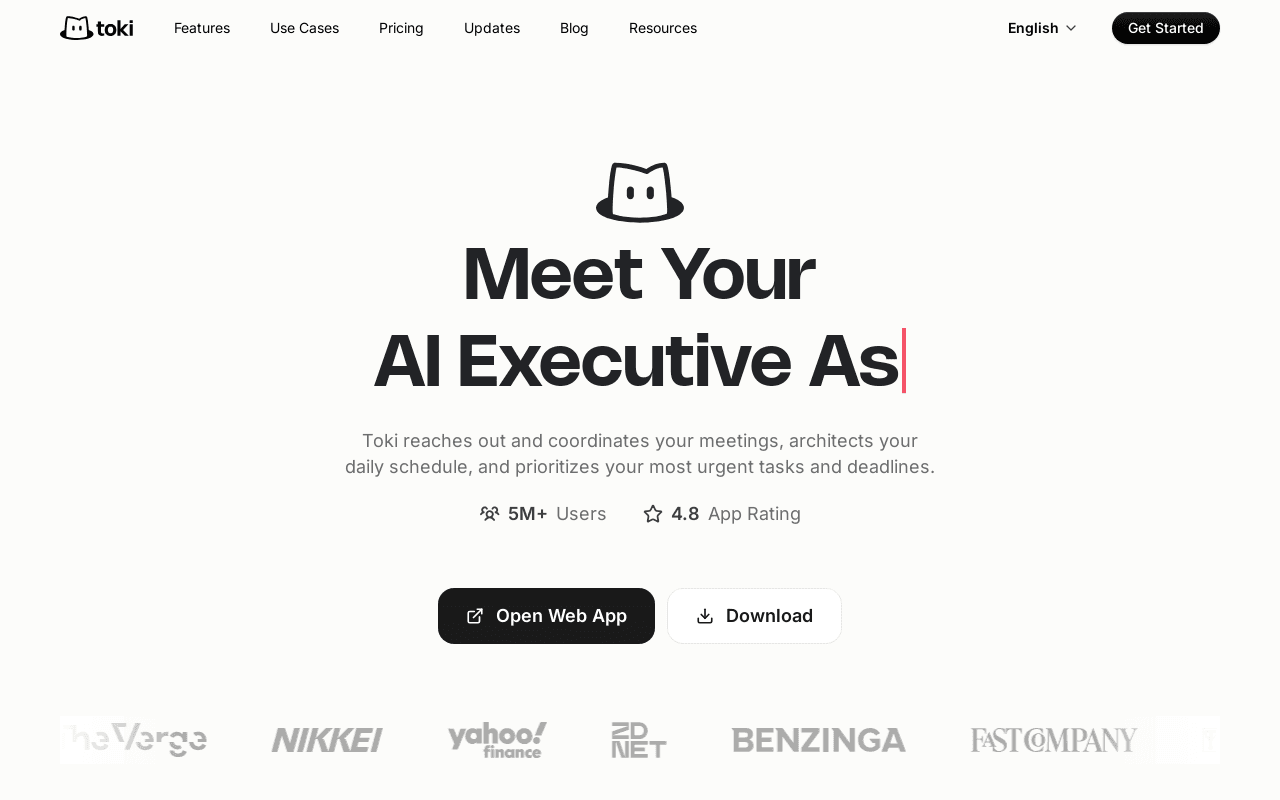
Toki is an AI executive assistant that schedules meetings and manages a user's calendar and day, handling the back-and-forth of finding meeting times and organizing a schedule without a human assistant. It is aimed at busy professionals and executives who want scheduling handled automatically rather than managing it themselves.
Screenshots
Commonly Cited Strengths & Limitations
Strengths
- 5M+ users and a 4.9 rating from 30,000+ reviews, unusually strong social proof for this category
- Free tier includes real functionality: up to 3 synced calendars and the core AI scheduling assistant
- Communicates through natural text/voice commands rather than a rigid calendar-app UI, per multiple user reviews
Limitations
- Free tier is capped to "basic quota for low frequency demand", unclear exact limits until in use
- Displayed paid prices are time-limited flash-sale rates (40% off); the standard rate is roughly 60% higher
Details
- Pricing Model
- Freemium
- Starting Price
- Free
- Category
- Productivity & Automation
Frequently Asked Questions
How much does Toki cost?
Toki starts at Free (Freemium).
Does Toki have an API?
Toki does not currently offer a public API.
Is Toki cloud-based or self-hosted?
Toki is offered as a cloud-based (SaaS) deployment.
What are the downsides of Toki?
Free tier is capped to "basic quota for low frequency demand", unclear exact limits until in use Also, Displayed paid prices are time-limited flash-sale rates (40% off); the standard rate is roughly 60% higher
How does Toki compare to iSpring Cloud AI?
Toki and iSpring Cloud AI are both used for productivity & automation. See the full side-by-side comparison for pricing and feature differences.
Key Features
- Meeting coordinationReaches out to meeting attendees directly to find a time that works for everyone, plus shareable scheduling links similar to Calendly.
- Proactive daily schedule architecturePlans the day ahead, balancing deep-work blocks against urgent demands rather than just passively holding a calendar.
- Natural multimodal inputAccepts voice notes, screenshots, texts, or half-formed requests and connects the dots to update the schedule.
- Personal preference memoryLearns how the user works and plans over time, improving scheduling decisions the more it is used.
- Custom triggers & alertsWatches for a specified condition (a stock price, a deadline, a release date) and pings the user when it happens, even without being asked again.
Technical Details
- Deployment
- Cloud
Official Pricing
Toki's published plans · verified Sep 26, 2026
Free
$0/mo
- Sync up to 3 calendars
- AI assistant for scheduling
- Basic quota for low-frequency use
Plus
$6.65/mo/mo
- Sync up to 5 calendars
- Personal preference memory
- Smart scheduling & conflict resolve
- 7-day free trial
Super
$16.65/mo/mo
- Max-velocity AI automation for professionals
- Sync up to 5 calendars
- Personal preference memory, smart scheduling
Pricing shown above is sourced from Toki's own published plans as of Sep 26, 2026 and can change at any time -- confirm current pricing on Toki's own site before purchasing.
Full Toki pricing breakdown, free plan and cheaper alternatives →
Real Pricing from Verified Users
See what people actually pay for Toki
Reviews
0 reviews
No reviews yet. Be the first to share your experience!
Switching Stories
Real migration experiences with Toki
Discussion
Ask questions, share tips, or discuss this tool with other users.
No discussion yet. Start the conversation!
Similar tools in Productivity & Automation
Other listed tools in Productivity & Automation, not reviewed as direct alternatives

AI-enhanced cloud builder for creating scrollable, web-page-style online courses in minutes
Similar tool in Productivity & Automation
- Scrollable course builder
- AI course generator
- AI assistant
Open-source, private macOS app that turns your permitted activity into a searchable work timeline
Similar tool in Productivity & Automation
- Permission-scoped activity capture
- Hourly and daily summaries
- Local AI agent access

Personalized AI podcast summaries delivered to your inbox
Similar tool in Productivity & Automation
- Personalized summaries
- Contextual intelligence
- Morning briefing

AI-powered PDF and image to LaTeX converter with Overleaf export
Similar tool in Productivity & Automation
- AI PDF and image OCR
- Formula extraction
- Overleaf integration

Online PDF translator that preserves layout across 100+ languages
Similar tool in Productivity & Automation
- Format preservation
- 100+ languages
- OCR for scanned PDFs

One subscription to chat with Claude, ChatGPT, Gemini, Grok and other top AI models in a single place.
Similar tool in Productivity & Automation
- Multi-Model AI Chat
- AI Web Search
- AI Image Editor
People Also Viewed



More in Productivity & Automation

Connect your apps and automate workflows

Customer experience automation

Automate anything without code

Digital analytics platform