
SaneBox
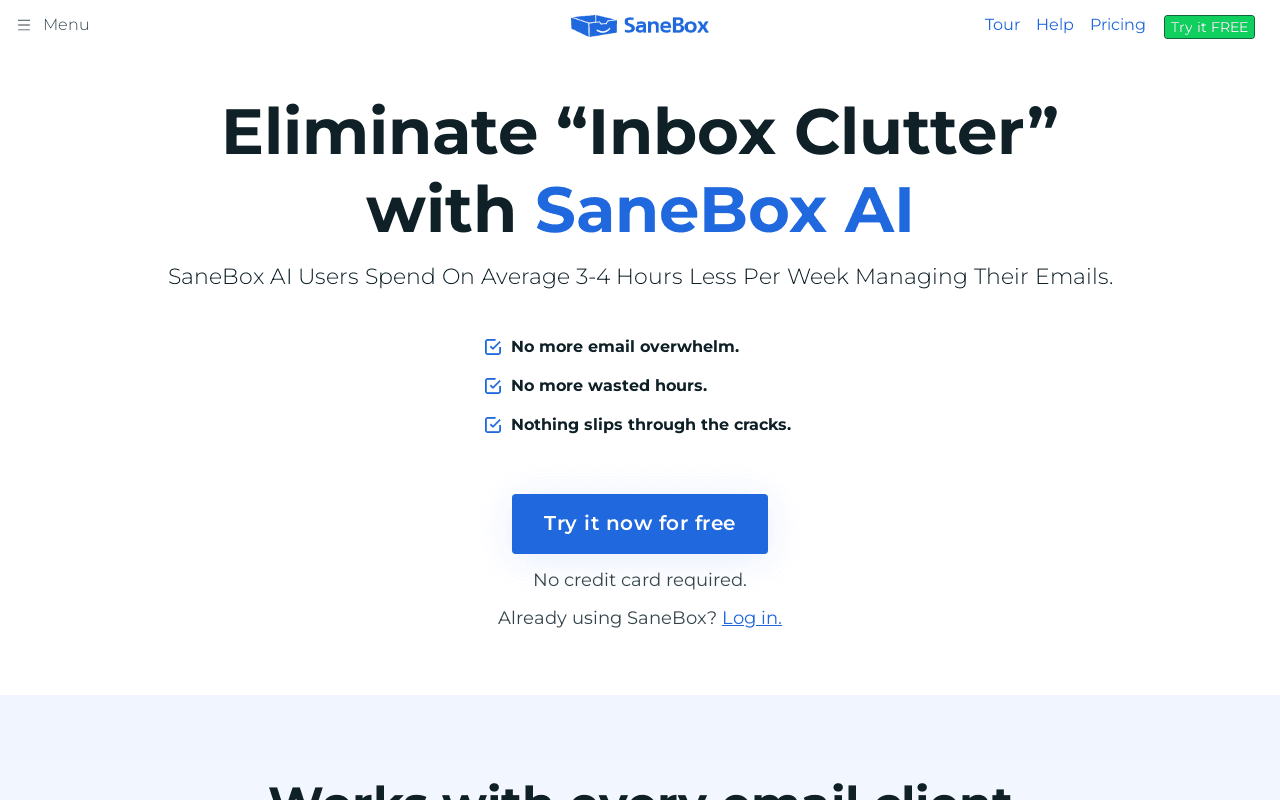
AI email management that auto-sorts your inbox and saves 3-4 hours a week
Data verified Sep 11, 2026
Score
- Try it free
- Free trial (7 days)
- Best for
- Executives and Business Leaders
About SaneBox
SaneBox is an AI-powered email assistant that uses machine learning to automatically sort incoming mail by importance, moving unimportant messages out of your inbox into dedicated folders so you focus only on what matters. It works on top of any existing email account (Gmail, Microsoft 365, iCloud, Yahoo, Fastmail, or any IMAP/Exchange/ActiveSync server) with no software to install, making it suited to busy professionals and high-volume email users like executives and real estate agents. Unlike a standalone email client, it layers onto your current setup and only analyzes metadata like sender, subject, and date rather than storing full emails.
Screenshots

Commonly Cited Strengths & Limitations
Strengths
- Saves users an average of 3-4 hours per week on email
- Works with virtually any email client/service without installing software
- Effective at automatically filtering and reducing inbox clutter
- Strong privacy stance — only metadata is analyzed, not full emails
- High customer satisfaction ratings (4.9/5)
Limitations
- No free tier and pricing is considered higher than basic filtering tools
- Some features (e.g. SaneAttachments, Snooze) are locked behind higher-priced plans
- Requires a one-to-two week training period during which important emails can be misfiled
- Limited integrations — doesn't connect to calendars, extract action items, or create tasks
- No collaborative or shared-inbox features for teams
- Requires ongoing manual checking of folders to catch false positives
- Reported account/cancellation control issues
Common Use Cases
- Automatically filtering unimportant email out of the inbox
- Reducing time spent managing email
- Unsubscribing from unwanted senders
- Following up on unanswered emails
- Managing high-volume inboxes (e.g. real estate agents handling 1,500+ emails/day)
Details
- Pricing Model
- Free Trial
- Team Size
- Small Business, Enterprise
- Category
- Productivity & Automation
Who is SaneBox for?
Executives and Business Leaders
Founders, CEOs, and managing directors use SaneBox to cut the time they spend on email and reduce daily distractions.
Real Estate Agents
Agents handling 1,500+ emails per day rely on SaneBox to keep high-volume inboxes manageable.
Education, Non-profit & Government Staff
These organizations qualify for a 25% discount and use SaneBox to ensure important memos aren't missed.
Frequently Asked Questions
Does SaneBox offer a free trial?
Yes, SaneBox offers a free trial of 7 days.
Does SaneBox have an API?
SaneBox does not currently offer a public API.
What does SaneBox integrate with?
SaneBox integrates with Gmail, Microsoft 365, Apple iCloud, Yahoo! Mail, Fastmail, IMAP, Microsoft Exchange, ActiveSync.
Is SaneBox cloud-based or self-hosted?
SaneBox is offered as a cloud-based (SaaS) deployment.
What are the downsides of SaneBox?
No free tier and pricing is considered higher than basic filtering tools Also, Some features (e.g. SaneAttachments, Snooze) are locked behind higher-priced plans
Who is SaneBox best for?
SaneBox is best suited for Executives and Business Leaders, Real Estate Agents, Education, Non-profit & Government Staff.
What can I use SaneBox for?
Common uses for SaneBox include automatically filtering unimportant email out of the inbox, reducing time spent managing email, unsubscribing from unwanted senders, following up on unanswered emails.
What is the best alternative to SaneBox?
Our reviewed alternatives to SaneBox are Unroll.Me, Canary Mail, Fastmail and Sortd for Gmail.
How does SaneBox compare to Browse AI?
SaneBox and Browse AI are both used for productivity & automation -- specifically automation & workflow tools. See the full side-by-side comparison for pricing and feature differences.
Key Features
- SaneLater / Automatic FilteringUses machine learning to automatically move unimportant incoming email out of your inbox into separate folders based on importance.
- BlackHolePermanently removes emails from unwanted senders from your inbox in one click.
- Daily DigestA daily summary of the unimportant emails you haven't opened yet so nothing is missed.
- Follow-up RemindersReminds you when someone hasn't replied to your email by a set time and lets you set reminders for yourself.
- SnoozeTemporarily sends emails out of your inbox and returns them when you're ready to deal with them.
- One-click UnsubscribeUnsubscribes you from unwanted senders in one click.
- SaneAttachments
Integrations
Technical Details
- Deployment
- Cloud
- Target Market
- Both
- Free Trial
- 7 days
Security & Compliance
Support
Real Pricing from Verified Users
See what people actually pay for SaneBox
Reviews
0 reviews
No reviews yet. Be the first to share your experience!
Switching Stories
Real migration experiences with SaneBox
Discussion
Ask questions, share tips, or discuss this tool with other users.
No discussion yet. Start the conversation!
SaneBox alternatives we reviewed
Reviewed when this listing was published; open-source options are marked.
Unroll.Me
Email subscription management / bulk unsubscribe tool.
Canary Mail
AI-powered email client with smart inbox and security features.
Fastmail
Privacy-focused email provider with rules and filtering.
Sortd for Gmail
Turns Gmail into a workspace with email organization boards.
Similar tools in Productivity & Automation
Other listed tools in Productivity & Automation, not reviewed as direct alternatives

- AI-powered data extraction
- Website change monitoring
- Scheduled runs
AI suite for sales and support conversations on WhatsApp and other messaging channels
Also Automation & Workflow Tools
- Omnichannel team inbox
- AI agents
- Automation flow builder
- Natural language task capture
- Today, Upcoming & custom filters
- Planning & scheduling

- Bank payments
- Credit scoring & underwriting
- Fraud protection

- Courses
- Coaching
- Communities

- Agreement Manager
- eSignature
- Workflow Builder
Also used for
People Also Viewed



More in Productivity & Automation

Connect your apps and automate workflows

Customer experience automation

Automate anything without code

Digital analytics platform